

Okay, so imagine this: I’m sitting back, feet up, in the comfort of my own home, and my projector is effortlessly streaming my favorite movie onto a massive screen—no bulky stands, no clutter, just pure cinematic magic. Sounds like a dream, right? Well, with a universal projector ceiling mount, that dream is just a few steps away.
When I decided to mount my projector, I realized it wasn’t just about saving space—it was about creating that sleek, professional look I’d always wanted for my home theater. But before grabbing the drill, I quickly learned there were a few things I had to get right. Whether you’re a DIY rookie like I was or a seasoned tech enthusiast, I’m here to guide you through it. From choosing the perfect mounting spot to managing cables like a pro, I’ll help you get your projector mounted in no time. Ready to transform your viewing experience? Let’s get started already!
What Exactly Is a Universal Projector Ceiling Mount?
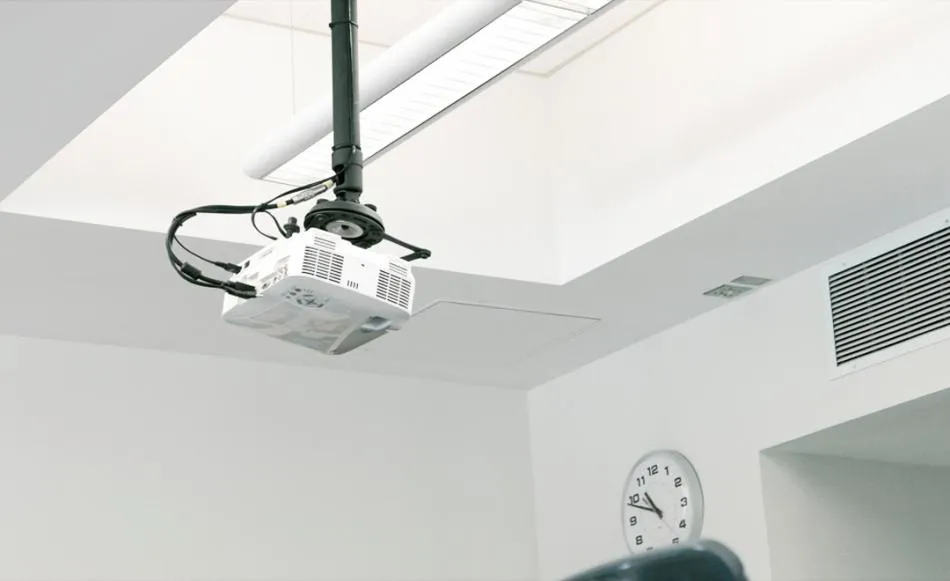
A universal projector ceiling mount is a versatile bracket designed to securely attach your projector to the ceiling, offering a sleek, space-saving solution. The “universal” aspect means it fits most projector models, making it easy to mount without worrying about compatibility.
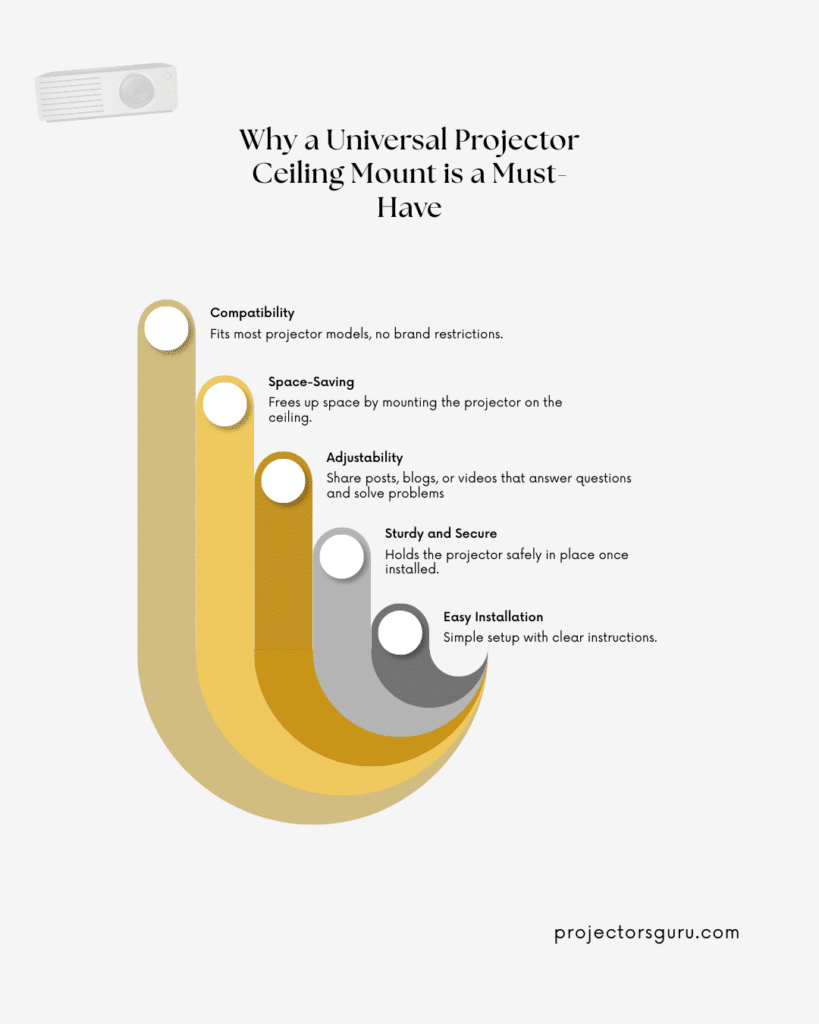
Here’s why it’s a game-changer:
- Fits Most Projectors: Compatible with a wide range of models.
- Space-Saving: Keeps your projector off the table and out of the way.
- Adjustable Features: Offers tilt, swivel, and height adjustments for perfect alignment.
- Secure and Safe: Keeps your projector securely in place.
- Easy Setup: Simple installation with clear instructions.
A universal mount is the perfect way to create a clean, professional look in your home theater setup. Let get a few tips to actually mount it.
Your Pre-Installation Game Plan: Planning Is Key
Before you even think about grabbing a drill, there are a few things you’ll want to consider. Preparation is everything when installing a ceiling mount projector. Here’s how to get started:
- Room Layout: Consider the space you’re working with. Will your projector be facing a blank wall, or do you have a designated projector screen? The right ceiling height and throwing distance are key to ensuring a great viewing experience.
- Screen Size and Viewing Angle: Think about how far you’ll be sitting from the screen. The optimal viewing angle will affect where you place both the projector and the screen.
- Projector Lens & Lens Shift: Not all projectors are the same. If your projector has lens shift capabilities, it will give you more flexibility when it comes to positioning it.
Before installing, you should also check out how far you mount a projector from the screen to determine the perfect distance for a great viewing experience.
Finding the Sweet Spot for Your Projector and Screen
Next, let’s talk about finding that “sweet spot” for mounting your projector and placing the screen.
- Ceiling Height: The ceiling height plays a significant role in where you mount your projector. For standard home theater setups, a ceiling height between 8 to 10 feet is ideal. If your ceiling is too high, it may lead to a less-than-ideal viewing angle.
- Edge of the Screen: You want the projector to line up perfectly with the center of your screen, not too high or low.
- Lens Shift & Throwing Distance: Make sure your projector lens is aligned with the screen. This will make it easier to get the best picture quality without distortion.
Pro Tip: If you’re unsure of the optimal distance, make sure to check out how to mount a projector and get more insight into projector mounting and setup.
Navigating Physical and Digital Adjustments: It’s All About Precision
Credit: av.com
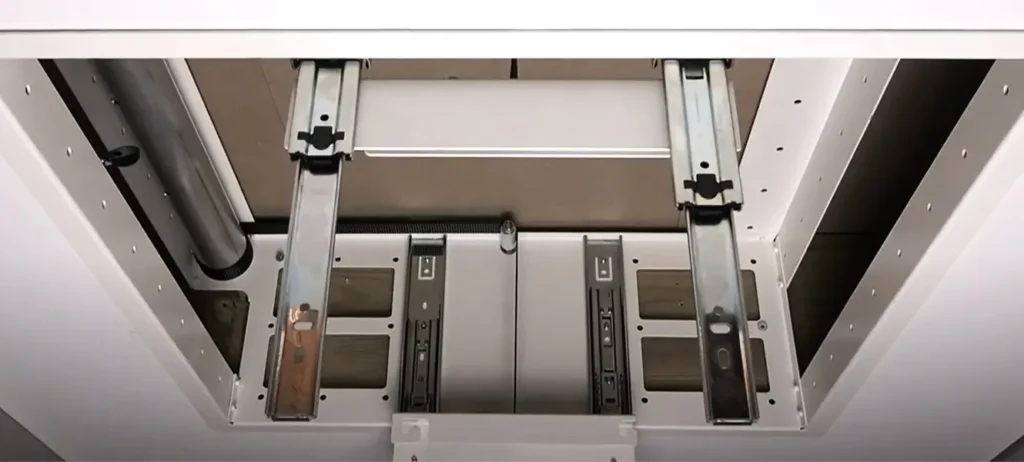
Once you’ve decided on the right spot, it’s time to fine-tune. This is where the physical and digital adjustments come into play.
- Physical Adjustments: Ensure that your mount is securely anchored in the ceiling. Drill holes in the right spots and avoid any beams or vents.
- Digital Adjustments: Use your projector’s digital features such as lens shift, zoom, or keystone correction to ensure that the image is perfectly aligned. You want your image to be as crisp as possible, so don’t skip this step!
A Practical Guide to the Mounting Process: Let’s Get Hands-On
Now that you’ve got the theory down, it’s time to move on to the hands-on installation process. Here are the steps you need to follow for mounting your projector on the ceiling:
a) Gather Your Tools
-
Tools You’ll Need: A drill, screwdrivers, measuring tape, a level, and, of course, your universal projector ceiling mount.
b) Mark the Mounting Spot
-
Use a measuring tape to mark where the mount will go. The center of the screen should be your reference point.
c) Drill Holes and Install the Mount
-
Use your drill to make precise holes for the mounting bracket. Secure the mount to the ceiling using screws and anchors. Make sure it’s level before tightening.
d) Attach the Projector
-
Once the mount is secure, attach the projector. Some mounts come with a quick-release system, which makes the installation process even easier.
e) Test the Positioning
-
After mounting the projector, turn it on to ensure it aligns perfectly with the screen. Adjust using the lens shift and keystone correction until you achieve the best image quality.
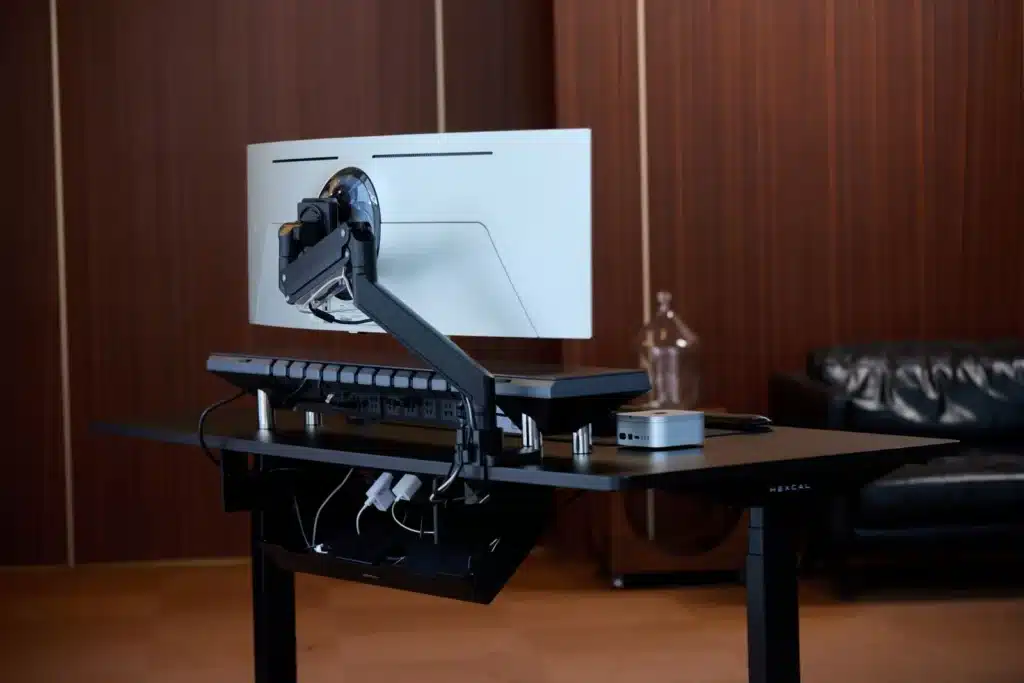
Achieving a Clean Look with Smart Cable Management
Credit: hexcal.com
Nobody likes a tangled mess of cables hanging down from the ceiling. Fortunately, with a little planning, you can easily conceal your cables and keep your setup neat.
- Cable Covers: Invest in some cable covers to hide the HDMI cables and power cords running from the projector to the screen or your media center.
- In-Ceiling Cabling: If you’re feeling fancy, you can run cables inside the ceiling itself. This is a more advanced option, but it will give your home theater an ultra-clean look.
Calibrating Your Projector for Perfect Picture Quality
Once the projector is securely mounted, it’s time to focus on the image quality. Calibrating your projector properly ensures that you get the best viewing experience possible.
- Brightness and Contrast: Adjust the brightness and contrast settings based on the lighting conditions in your room.
- Color Calibration: Some projectors allow you to adjust the color temperature to get the most accurate colors.
- Focus: Make sure the image is sharp and clear, especially if you have a high-definition projector.
What Accessories Do You Need to Install a Projector on the Ceiling?
While a universal projector ceiling mount is essential, there are a few accessories you might need to enhance the setup:
- Power Extender: If your projector’s power cord isn’t long enough, a power extension cord will do the trick.
- Remote Control: Many modern projectors come with a remote for easy operation.
- Mounting Bracket for Heavier Projectors: If you’re installing a heavy projector, make sure you choose a strong mount. The best way to ceiling mount a heavy projector involves using a mount rated to support its weight.
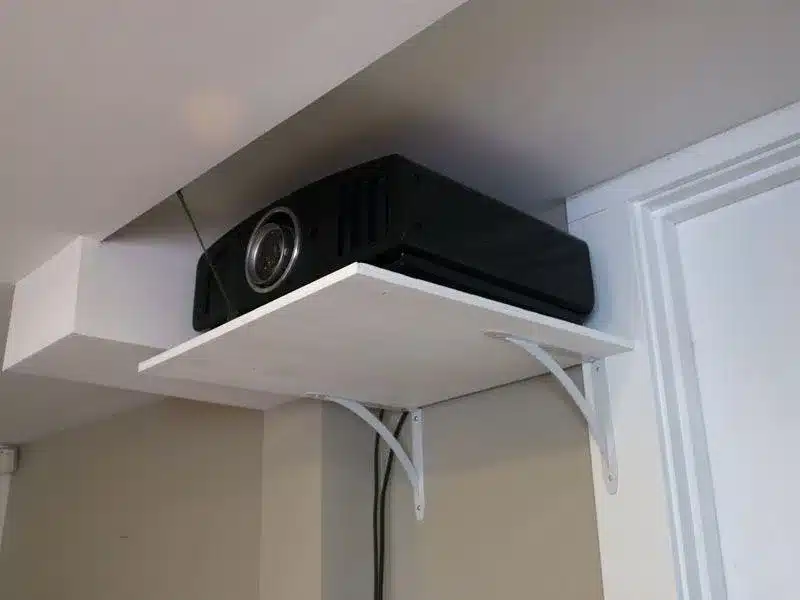
How to Mount a Projector to the Ceiling: Five Easy Steps for Beginners
Credit: puretheatre.com
Here’s a look at 5 easy-peasy steps to mount a projector to the ceiling.
Step 1
- Find your ideal mounting spot based on ceiling height, viewing angle, and screen size.
2nd Step
- Secure the ceiling mount with proper anchors and screws. Always double-check that it’s level.
Step 3
- Attach the projector to the mount and tighten everything in place.
4th Step
- Make necessary adjustments using lens shift and digital controls.
Step 5
- Conceal cables using cable covers or run them inside the ceiling for a clean finish.
Summing Up
A universal projector ceiling mount can transform your home theater setup, creating a sleek and professional look. With the tips and steps outlined above, you’ll be ready to mount your projector like a pro and enjoy the ultimate viewing experience.
Happy projector mounting!
FAQ’s
Got questions? Here’s a quick look at some of the most frequently asked questions when it comes to universal projector ceiling mounts.
What’s the best height to mount a projector?
The ideal height for mounting a projector depends on your room size and screen size. Generally, you should mount your projector about 10 to 15 feet away from the screen for optimal image quality.
Can I install a projector mount by myself?
Yes, with the right tools and a little patience, most people can mount a projector themselves. Just make sure to measure everything carefully before drilling holes.
How far do I mount a projector from the screen?
The ideal distance depends on your projector’s throw ratio. For example, short-throw projectors need to be closer to the screen, while long-throw projectors can be mounted farther away.
How do I mount a projector screen?
You can mount a projector screen on the wall or ceiling. Use a stud finder to locate the best spots to drill into and ensure it’s level.
How can I improve the viewing angle?
To enhance the viewing angle, make sure your projector is aligned properly with the center of the screen, and adjust the lens shift or keystone correction to fine-tune the image.