

As a projector owner, I totally get how important a good projector lamp is for maintaining top-notch image quality. But, let’s face it—eventually, that lamp is going to burn out. Don’t worry though, it’s not the end of the world! Replacing the projector lamp is actually pretty straightforward, and I’m here to walk you through the entire process. If you’ve ever wondered how to change a projector lamp bulb, or if you’re just looking to get the most out of your projector’s lamp life, you’re in the right place!
Whether you’re working with a Philips UHP lamp, an LED lamp for a projector, or even debating the differences between a laser projector vs lamp, I’ve got you covered. Let’s get into it!
Why Does Your Projector Lamp Need Changing?
Before we get into the steps, let’s quickly look at why your projector lamp might need a replacement.
Common Reasons to Change a Projector Lamp
- Dimming Image Quality: Over time, the brightness of the projector decreases.
- Lamp Hours Exceeded: Most projector lamps last for about 1,500 to 5,000 hours. If you’ve reached or surpassed this limit, it’s time to consider replacing your lamp.
- Frequent Flickering: If your projector is flickering more than usual, the lamp might be on its way out.
- Strange Noises: Unusual noises coming from the projector can indicate a failing lamp.
Knowing the signs will help you avoid delays in your viewing experience. And now, let’s get into the actual process of changing the projector lamp.
Step-by-Step Guide to Changing Your Projector Lamp
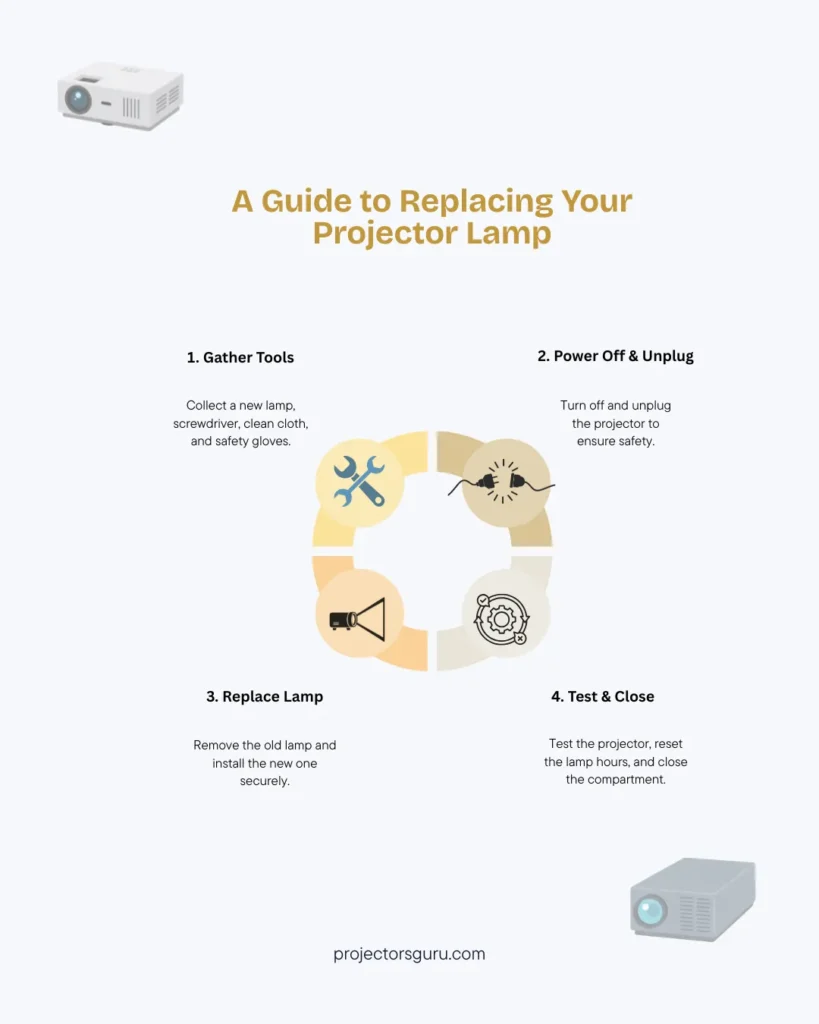
Okay, now changing your projector lamp doesn’t have to be a stressful task. With the right tools and a little patience, you can get your projector back in action in no time. Here’s a simple, step-by-step guide to help you through the process.
a) Gather the Necessary Tools and Equipment
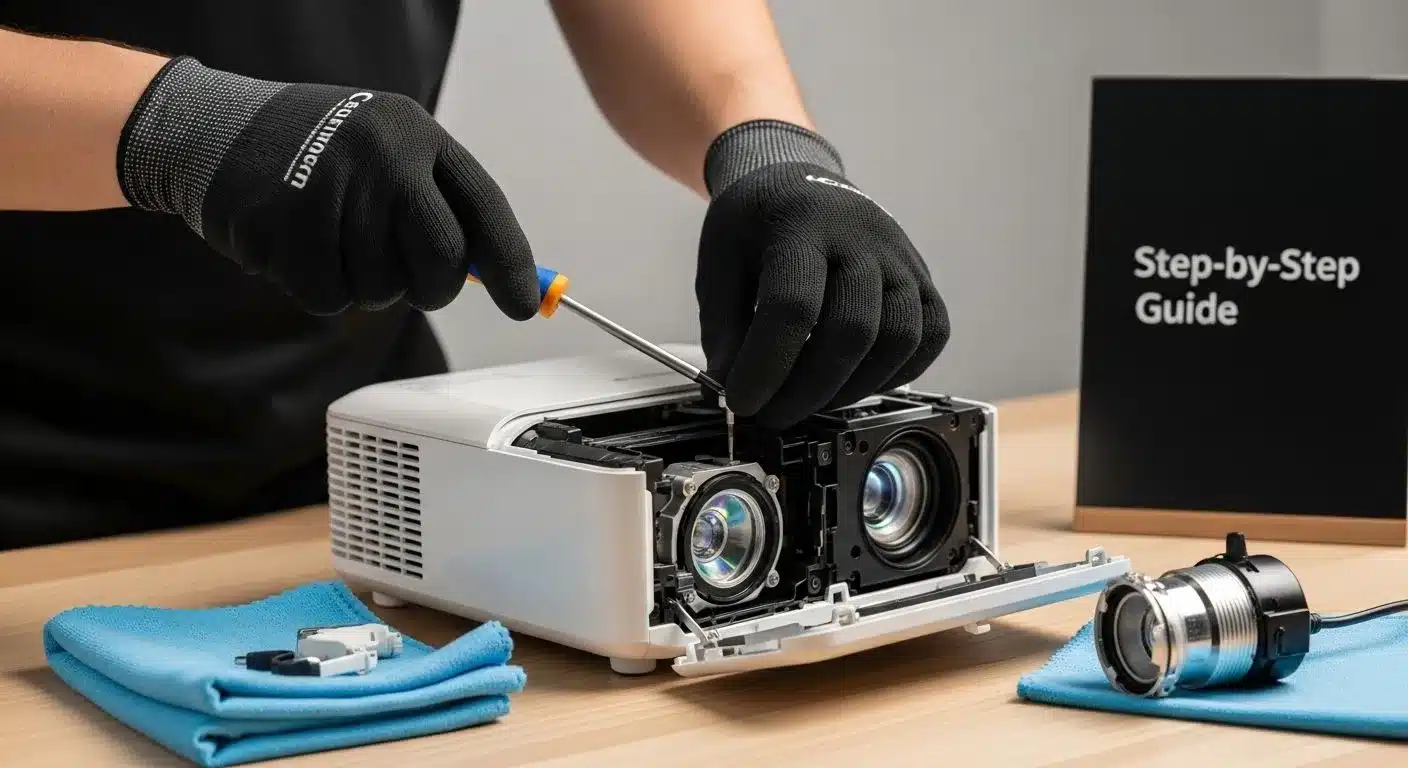
Before jumping into the process, make sure you have the right tools. Here’s what you’ll need:
- New Projector Lamp: Whether you’re replacing it with a Philips projector lamp or another brand, make sure it’s compatible with your projector model.
- Screwdriver: Most projectors require a screwdriver to open the lamp compartment.
- Clean Cloth: You’ll want to keep things clean to avoid any damage to the projector.
- Safety Gloves: Handling the projector lamp with gloves ensures you won’t damage it with oils from your hands.
Make sure to pick a high-quality replacement lamp, such as an LED lamp for projector or the more traditional Philips UHP lamp, known for their durability and brightness.
b) Power Off the Projector and Unplug It
Safety first! Before you do anything, ensure that the projector is powered off and unplugged. This will prevent any electrical mishaps while you’re working on it.
- Turn off the projector and let it cool down. Projector lamps can get very hot, so avoid touching the lamp right after usage.
- Unplug the projector from the power source to ensure there is no power running.
c) Open the Lamp Compartment
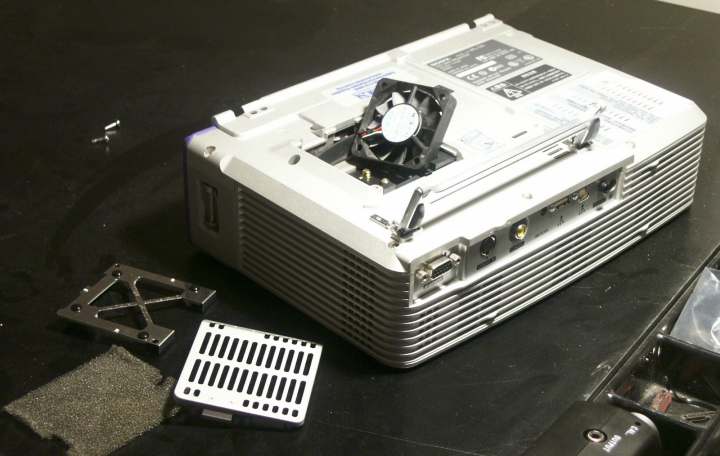
The lamp is usually housed in a compartment at the back or bottom of the projector. You may need to unscrew or slide open the compartment, depending on the model.
- Locate the lamp compartment cover and remove it. It’s often secured with a few screws, so use your screwdriver to carefully unscrew them.
- After removing the cover, you’ll see the lamp assembly.
d) Remove the Old Lamp
Credit: myprojectorlamps.com
To maximize the lamp life, follow these tips:
- Keep the projector in a cool place: Excessive heat can reduce the lifespan of the lamp.
- Clean the air filters regularly: Blocked filters can cause overheating.
- Use the projector in a room with low ambient light: This reduces the strain on the lamp.
- Turn off the projector when not in use: This helps avoid unnecessary hours on the lamp.
FAQ’s
Here are some of the most frequently asked questions about projector lamps:
How long does a projector lamp last?
Typically 1,500 to 5,000 hours. Laser projectors last longer.
How do I know when to replace my projector lamp?
Replace when the image dims, flickers, or after exceeding the lamp hours.
Laser projector vs lamp projector?
Laser projectors use blue lasers for brighter, longer-lasting light, while lamp projectors use traditional lamps.
Can I replace my projector lamp with any type?
No, always use the right lamp, like a Philips projector lamp or one matching your model.
What are the components of a lamp projector?
A light bulb, housing assembly, and sometimes a cooling fan.
Ending Remarks
By following these steps, you can change your projector lamp with ease, ensuring your projector continues to deliver the best image quality possible. Whether you’re replacing with a Philips UHP lamp, an LED lamp for a projector, or exploring the laser projector vs lamp debate, you’re now prepared to get back to your movie marathons or presentations without a hitch!
Happy viewing!